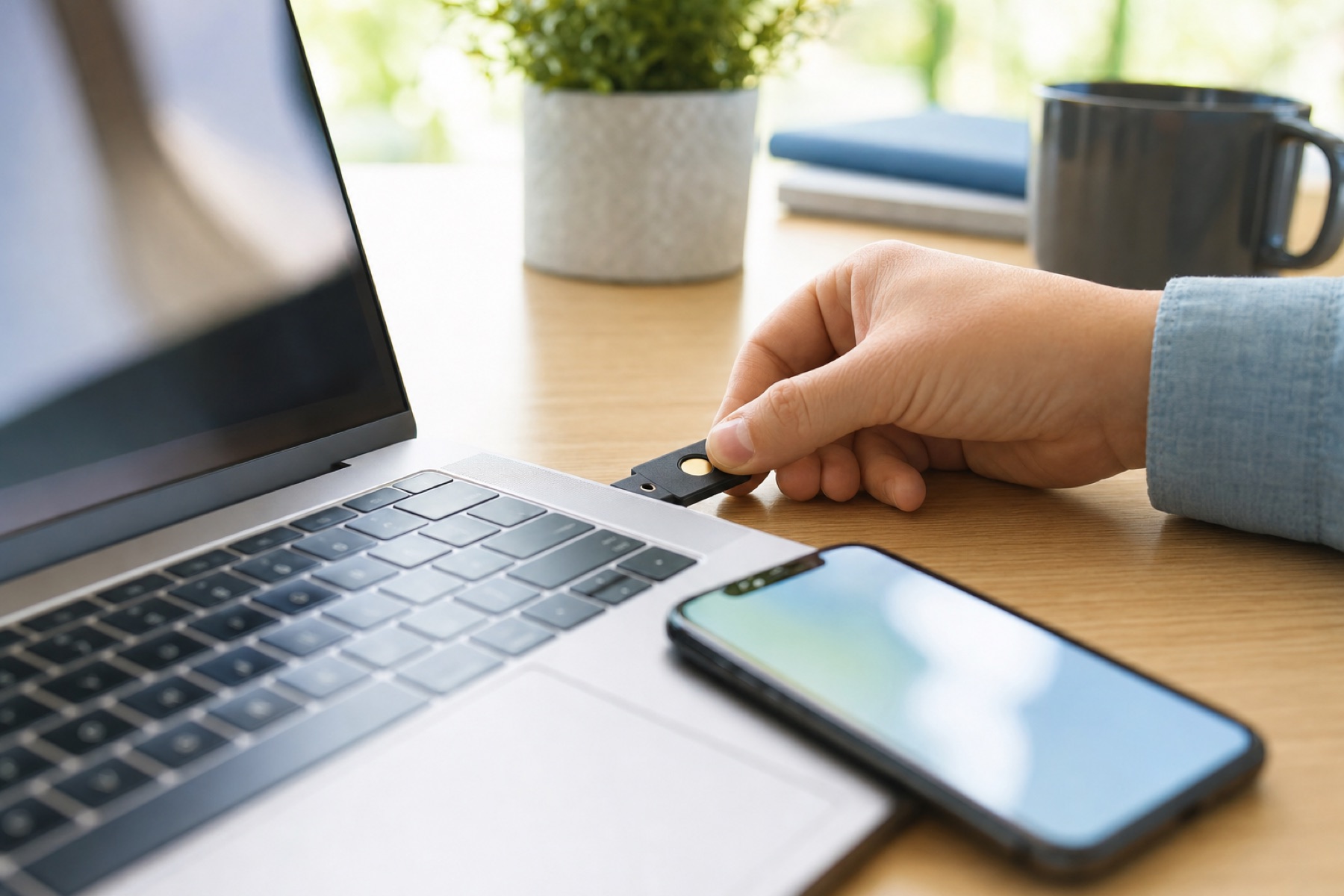
A second factor means a stolen password isn't enough to get in. They're not equally strong, though. Here they are from strongest to weakest, with the attack each one stops.
1. Security key or passkey
A small USB or NFC device (or a passkey stored on your phone or computer) that proves who you are with cryptography. It checks the website's real address before it answers, so a look-alike phishing page gets nothing. This is the only method that stops real-time phishing. Register two keys so a lost one doesn't lock you out. Security key guide.
2. Authenticator app (TOTP)
An app on your phone makes a new 6-digit code every 30 seconds from a secret it shares with the service. It works offline and can't be intercepted in transit like a text. A convincing phishing page can still ask you to type the code, so check the address before you enter it. Choosing an app.
3. Approval in the service's app
The service sends a prompt to its own app and you tap to approve. It's easy, and safer than SMS. Attackers who already have your password sometimes send prompt after prompt hoping you'll tap one ("MFA fatigue"), so only ever approve a sign-in you just started yourself.
4. Hardware token from the service
Some banks issue their own code-generating fob. It's as strong as an authenticator app, but only works for that one service.
5. Text message or phone call
Codes by SMS or voice can be stolen if someone convinces your carrier to move your number to their SIM (a SIM swap), and some malware reads texts. It still blocks most password-only attacks, so use it when nothing else is offered, and ask your carrier for a port-out PIN or number lock.
6. Email code
Only as strong as your email account. If your email has its own strong second factor, this is reasonable; if not, it adds little.
The short version
- Use a security key where it's offered, with an app as backup.
- Otherwise use an authenticator app.
- Use SMS only when it's the only choice, and lock your number with your carrier.
- Always save the backup codes.