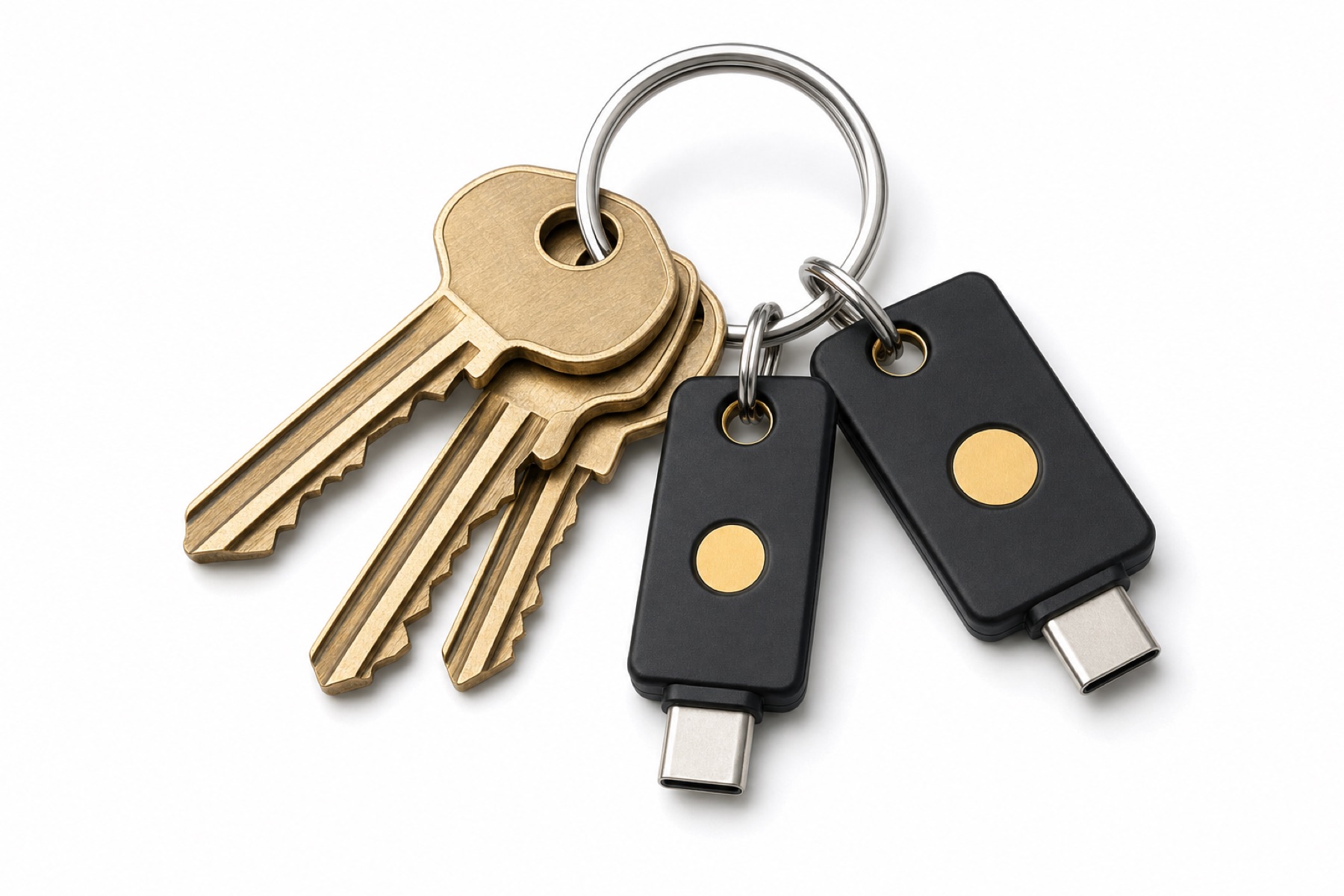
A security key is a small device on your key ring that signs you in with cryptography. Before it answers, it checks the real address of the site asking. A fake login page can't get a usable answer from it, which makes it the only second factor that stops phishing outright.
What to buy
- Standard: look for FIDO2. FIDO2 keys also speak the older FIDO U2F standard, so one works with every service on this site that lists "Security key".
- Connector: USB-C fits most current laptops and phones; USB-A fits older computers; NFC lets you tap the key on an iPhone or Android phone.
- Two of them. Register both on every account. Carry one, keep the other at home. Some services, Apple among them, require two.
Registering a key
- In the service's security settings, choose Add security key.
- Insert or tap the key, and touch its contact when it blinks.
- Name it ("Key ring", "Drawer"), then repeat with the spare.
- Keep at least one other method (an authenticator app or backup codes) as a fallback.
Passkeys
A passkey uses the same technology, but lives in your phone, computer or password manager instead of a separate device. Many services now offer passkeys as a password replacement. A hardware key is still the strongest place to keep one, because it never leaves your hands.
204 services on this site accept security keys. Find yours.